20 AI Design Courses for $20
Create & sell high-demand product designs using AI — even if you’re starting from scratch.
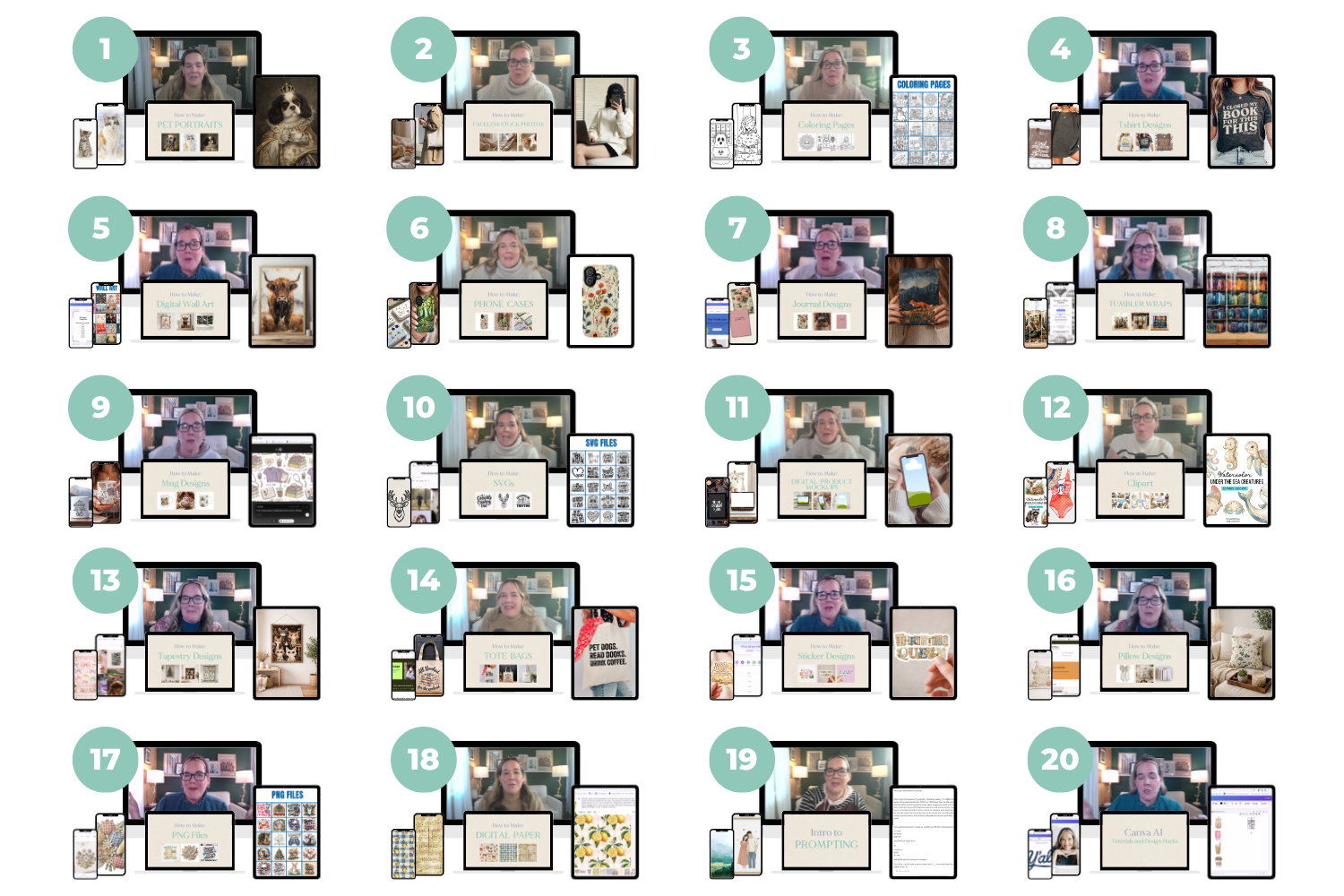
Twenty courses. Twenty dollars. Yes, really.
If you’ve been wanting to learn how to create digital products with AI…
but didn’t know where to start (or felt overwhelmed by all the tools)…
This is the fastest, simplest way to get results.
No fluff.
No long-winded theory.
Just step-by-step walkthroughs showing you exactly how to create designs that can actually sell.
You'll learn how to...
Prompt AI intentionally to get the exact style and results you want
Design like a pro using AI — not guesswork
Refine and improve your images so they actually look polished
Create high-quality final files (including upscaling and sizing)
Know which AI tools work best for each type of product
Turn your designs into sellable digital and print-on-demand products
Package and deliver your files in a way customers understand and love
Choose the right platforms to sell each type of product
Create designs that are not just pretty — but actually sell
Build repeatable workflows so you can create faster and more consistently
And so much more!
↓ Keep scrolling to see the details of everything that's included! ↓
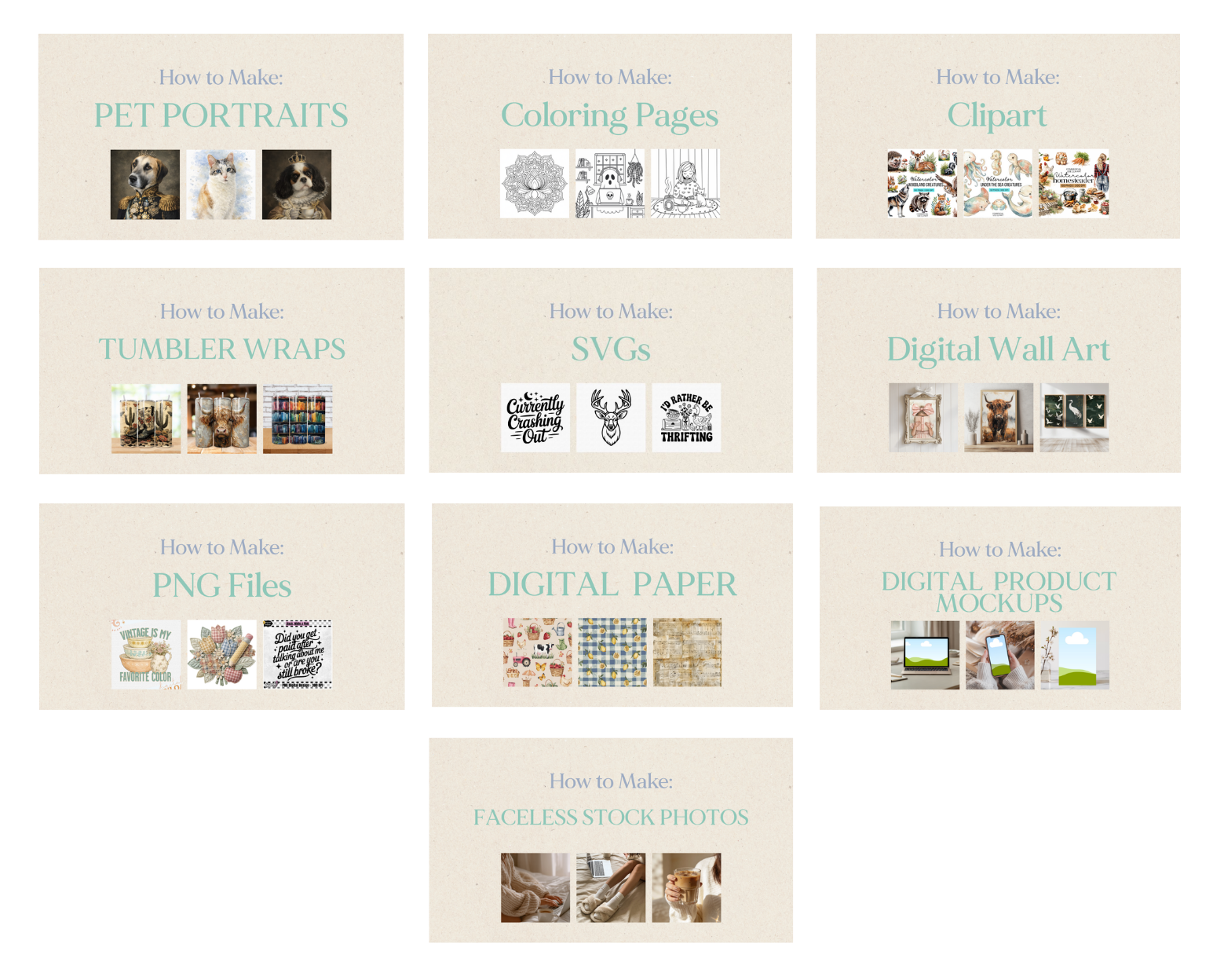
If you love digital products, focus on these courses:
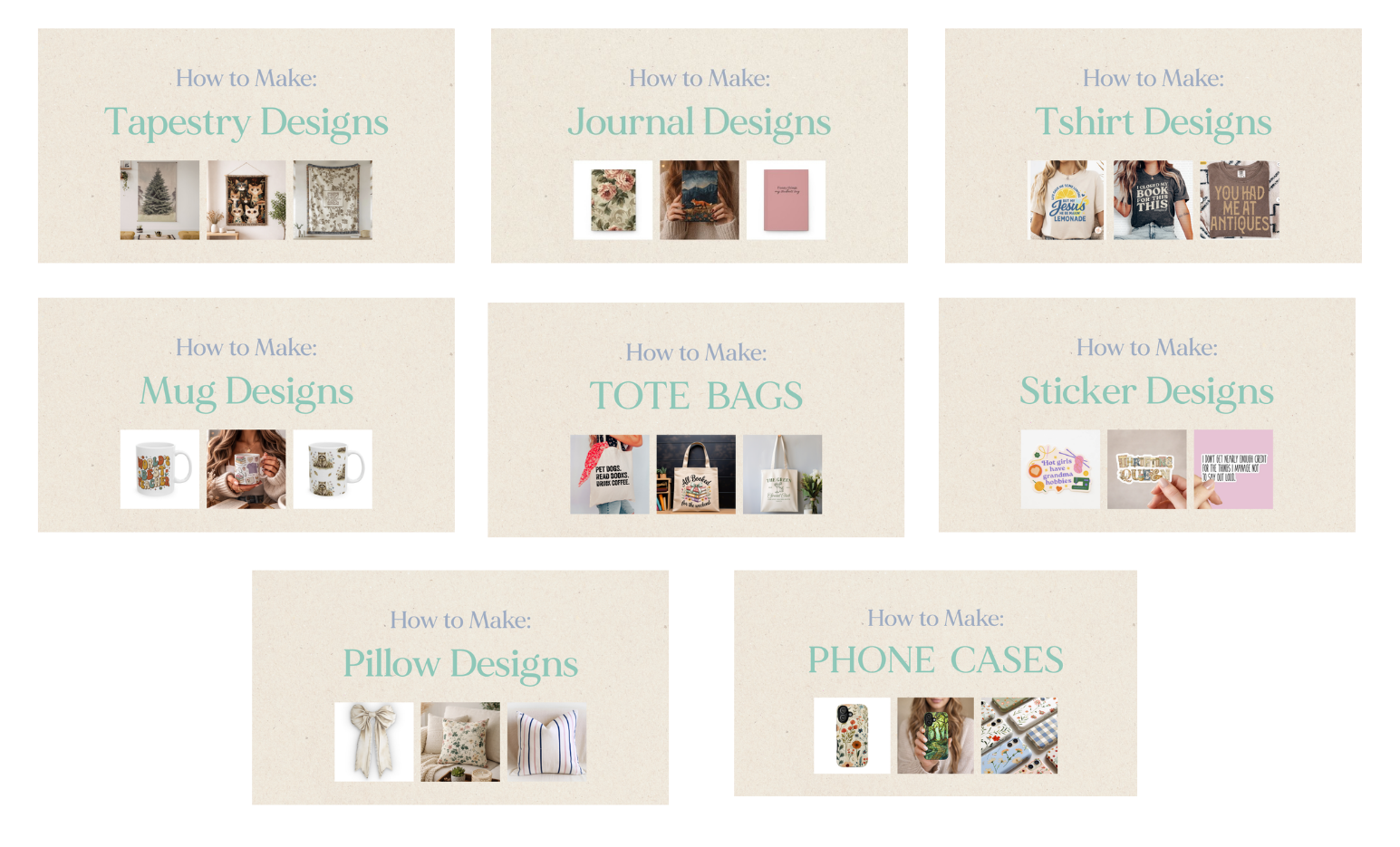
If you love Print on Demand, focus on these courses:
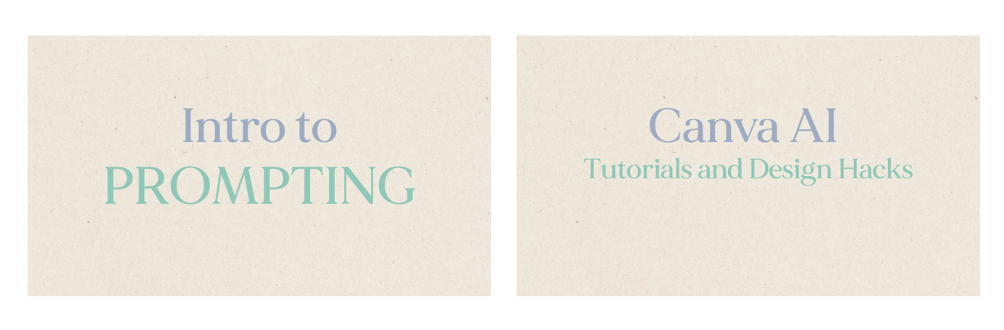
Want to refine your Prompting and Designing in Canva? These are perfect...
What's included?
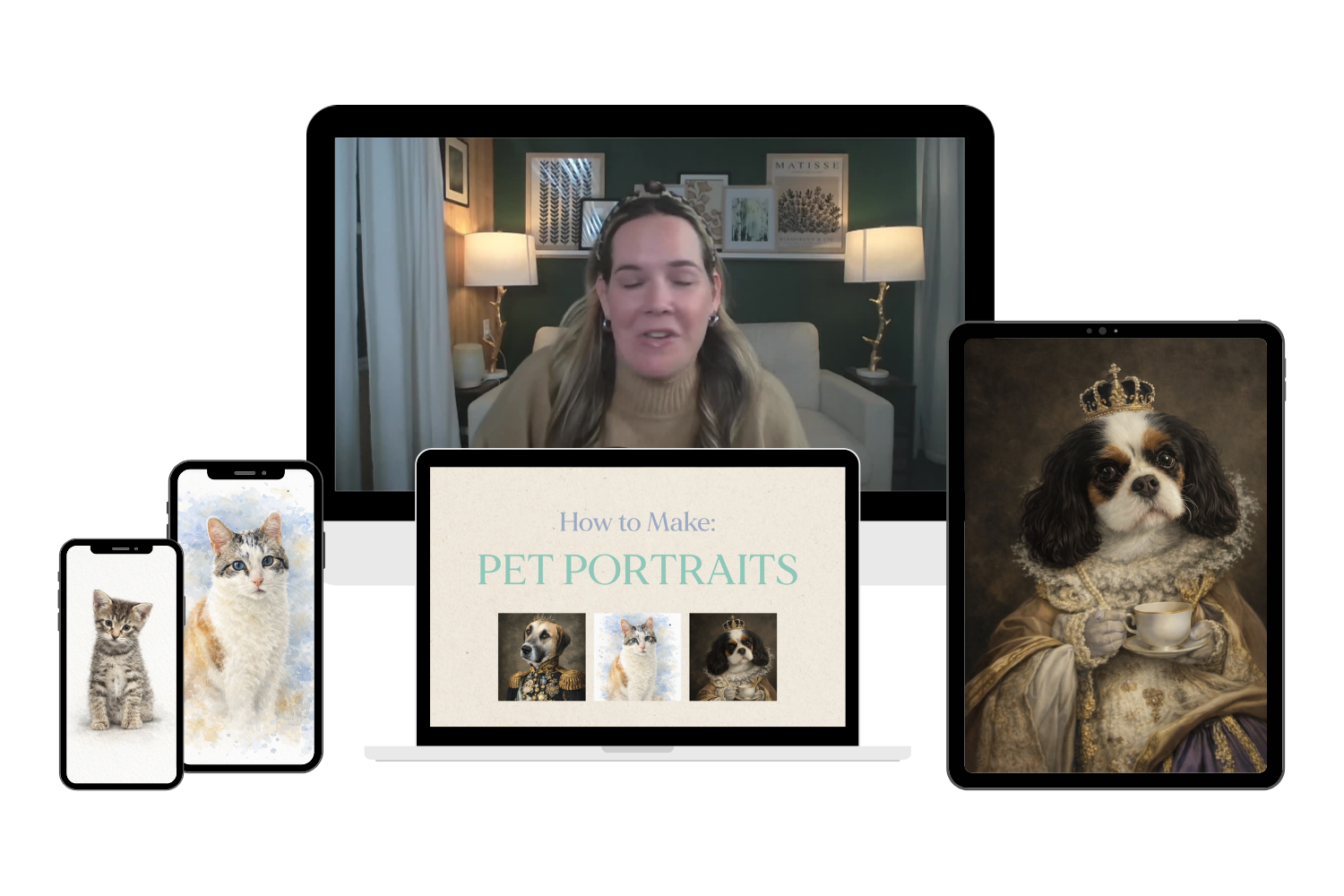
1. Pet Portraits
Learn how to create pet portraits in various styles from watercolor painting, to costumes and more--- while creating art in the perfect likeness of your customer's pets.
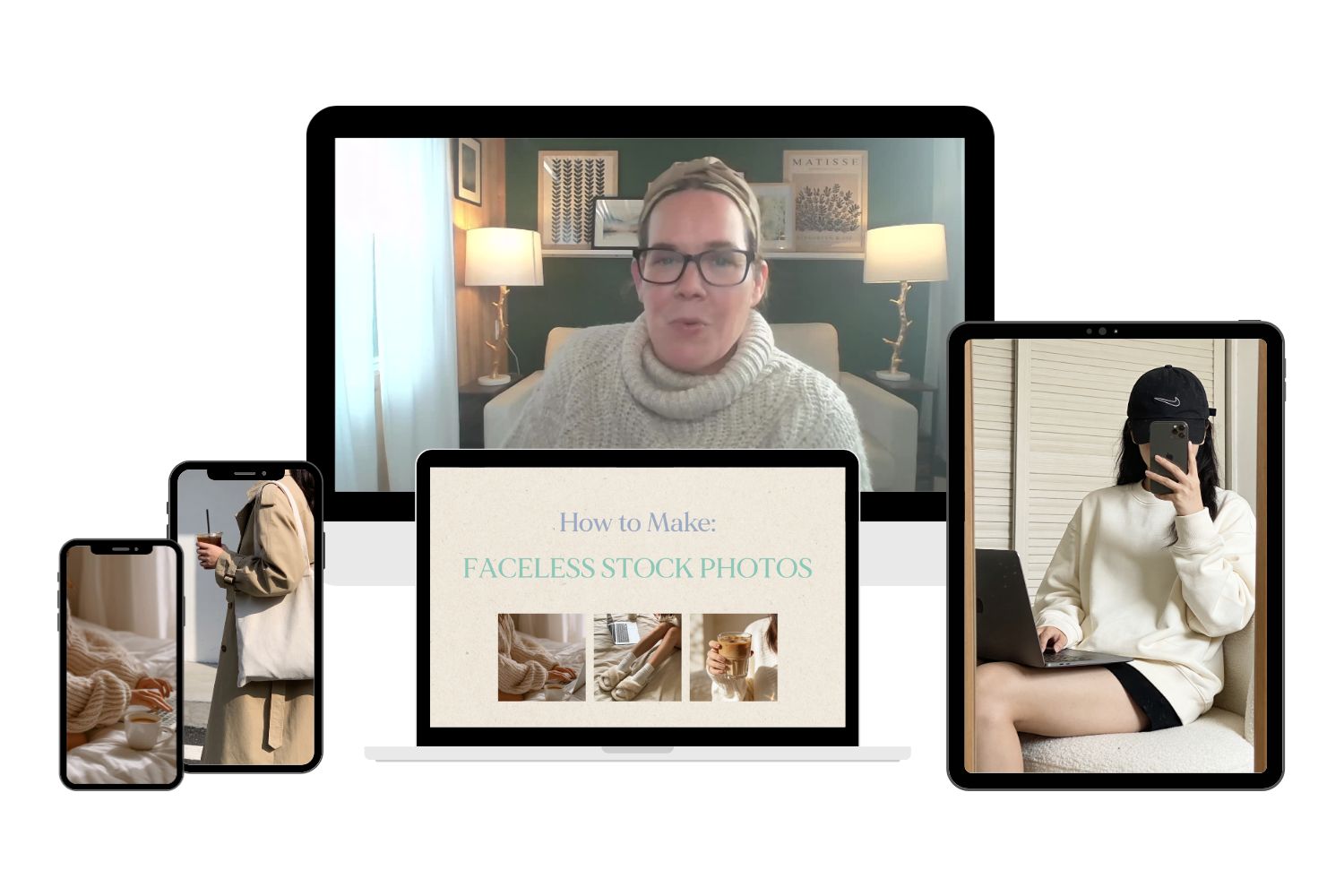
2. Faceless Stock Photos
Learn how to create aesthetic faceless Pinterest stock photos with AI art generators for selling in your own shop, in Digital Product Marketplaces, and more.
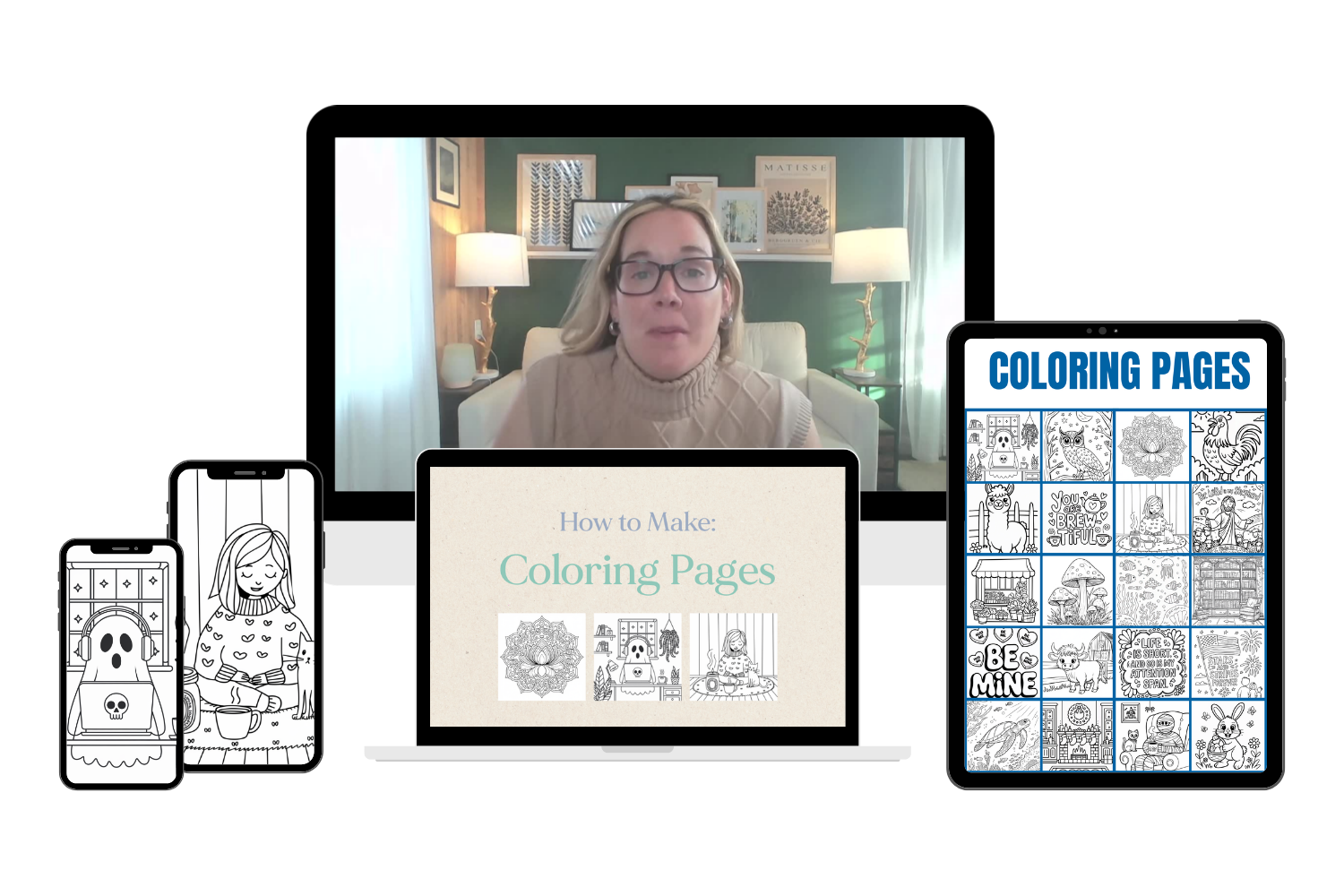
3. Coloring Pages
Learn how to create coloring pages with AI art generators for selling in your own shop, in Digital Product Marketplaces, and more.
4. Tshirt Designs
Learn how to create t-shirt designs with AI art generators for selling on merch, POD Marketplace products, and more.
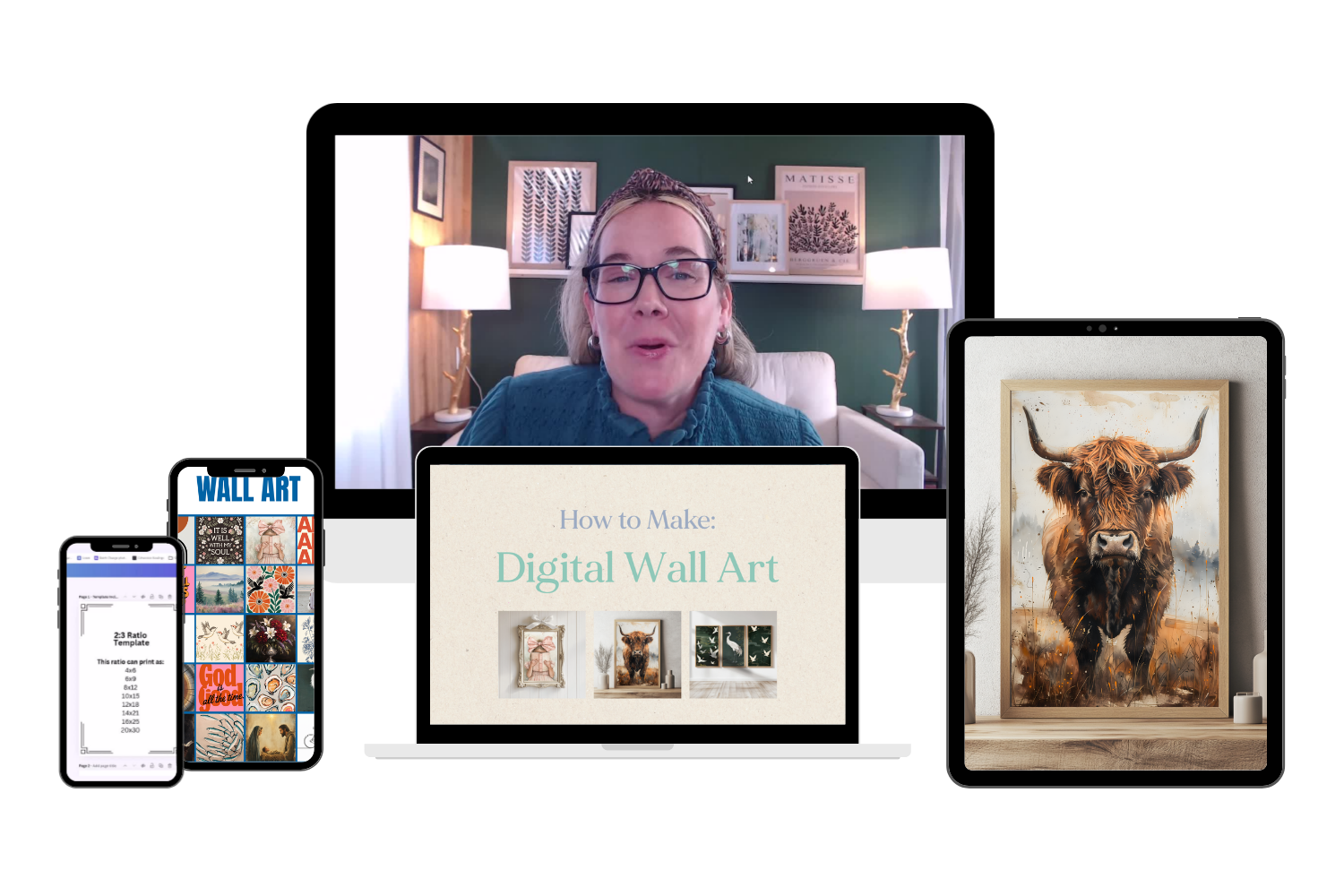
5. Wall Art
Learn how to create Digital Wall Art with AI art generators for selling on as digital download files, POD marketplaces, and more.
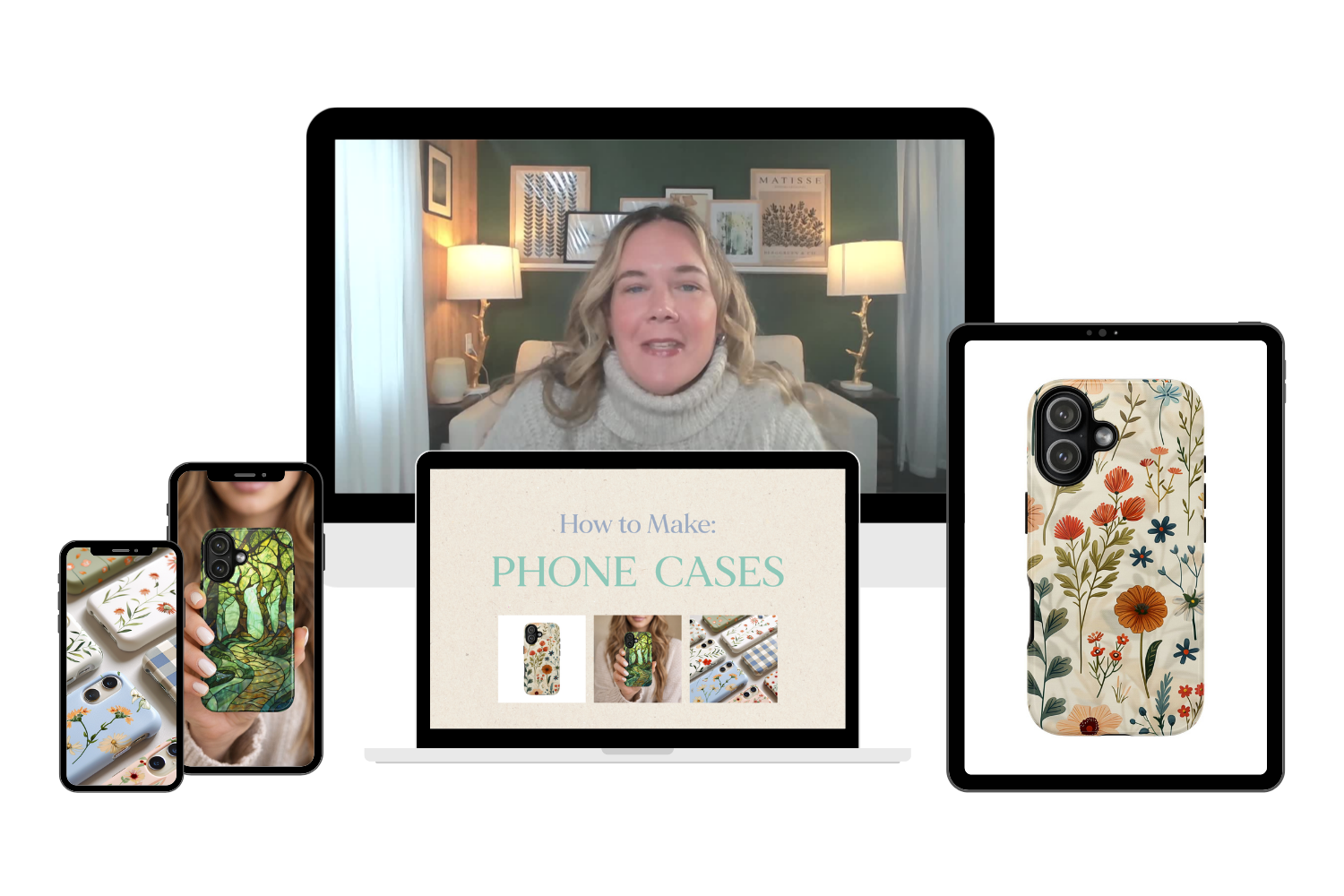
6. Phone Cases
Learn how to create phone case designs with AI art generators for selling in your own shop, in POD Marketplaces, and more.
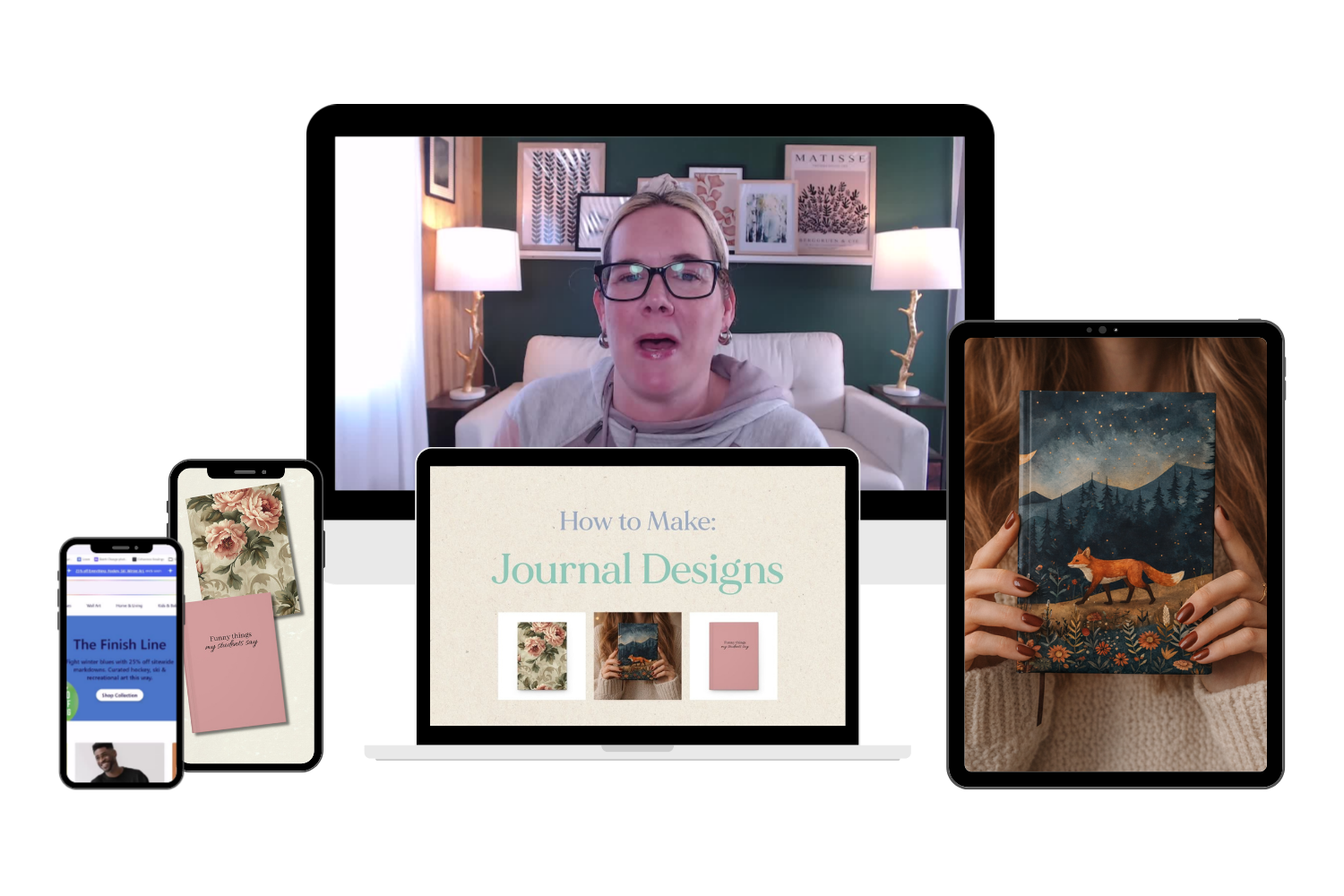
7. Journals
Learn how to create journal cover designs with AI art generators for selling on merch, POD Marketplace products, and more.
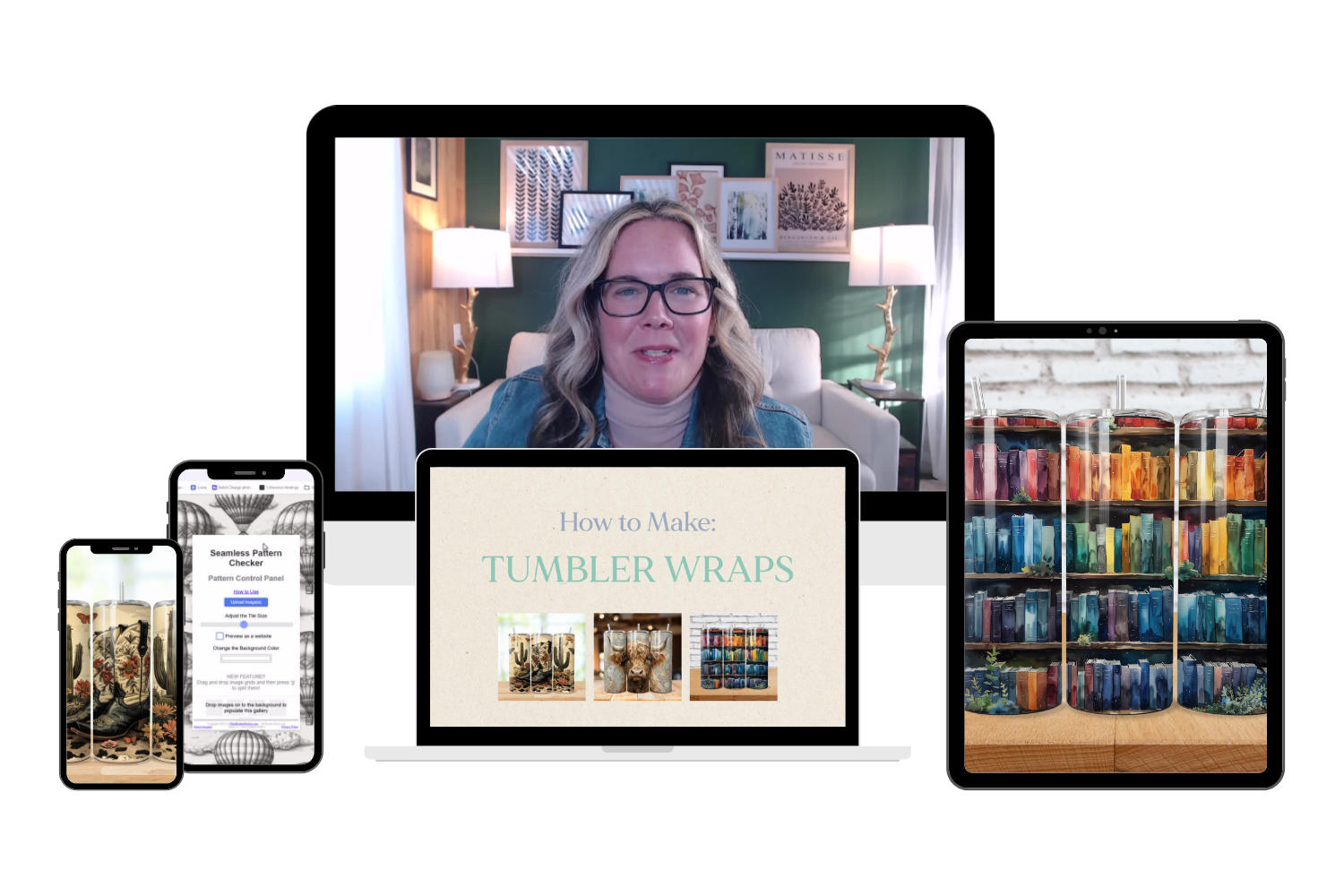
8. Tumbler Wraps
Learn how to create tumbler wraps with AI art generators for selling in your own shop, in Digital Product Marketplaces, and more.
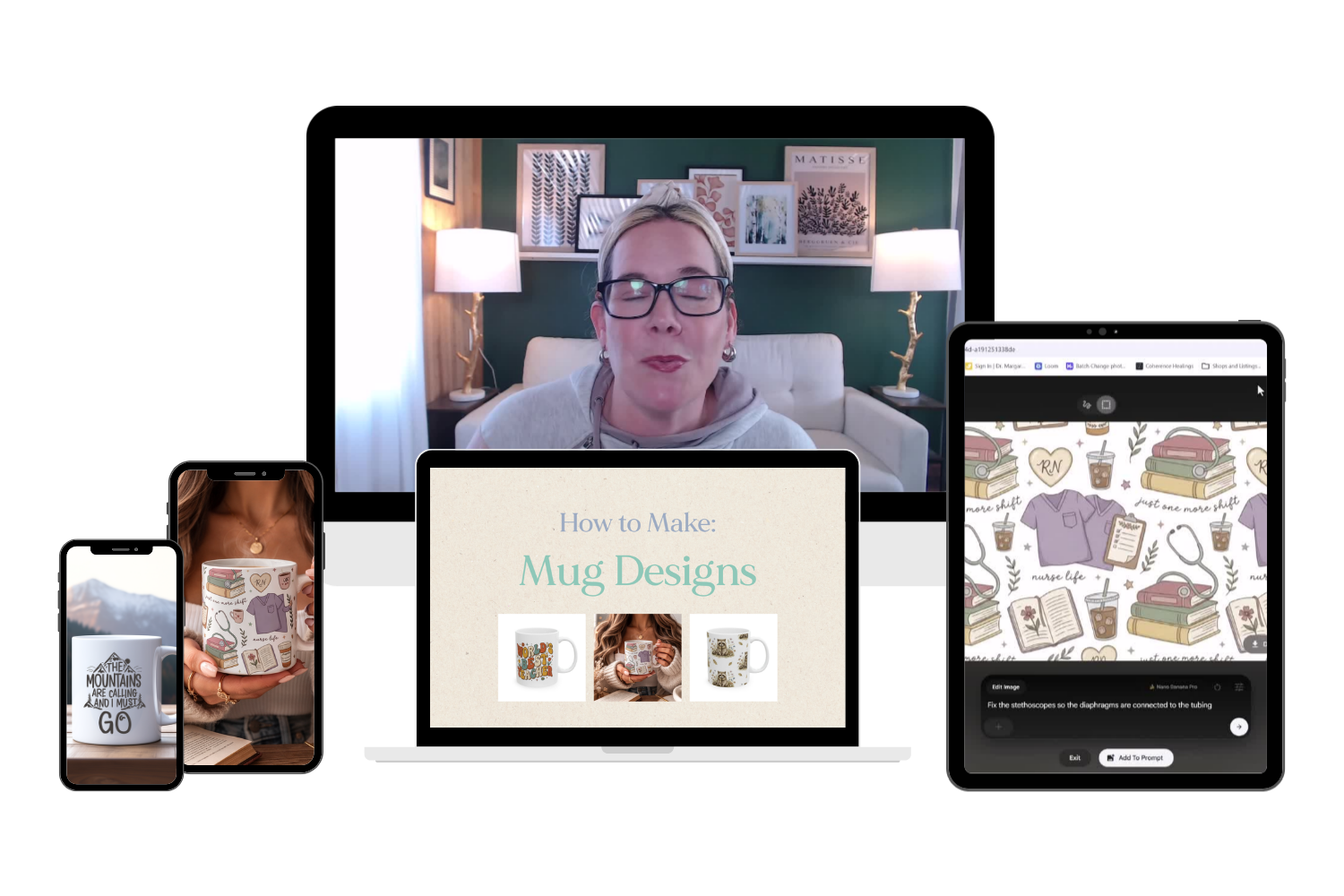
9. Mugs
Learn how to create mug designs with AI art generators for selling on merch, POD Marketplace products, and more.
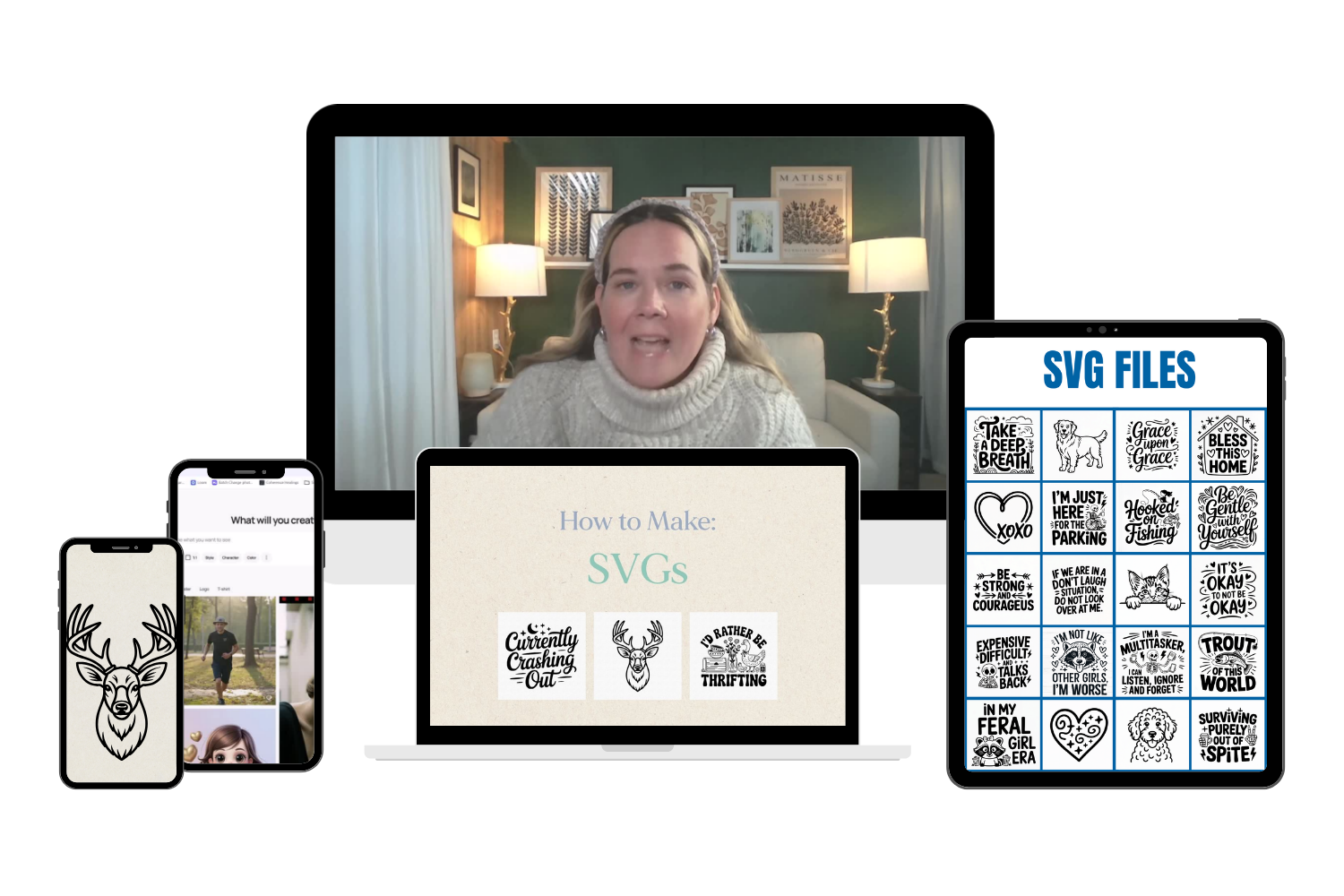
10. SVG Files
Learn how to create SVG files with AI art generators for selling in your own shop, in Digital Product Marketplaces, and more.
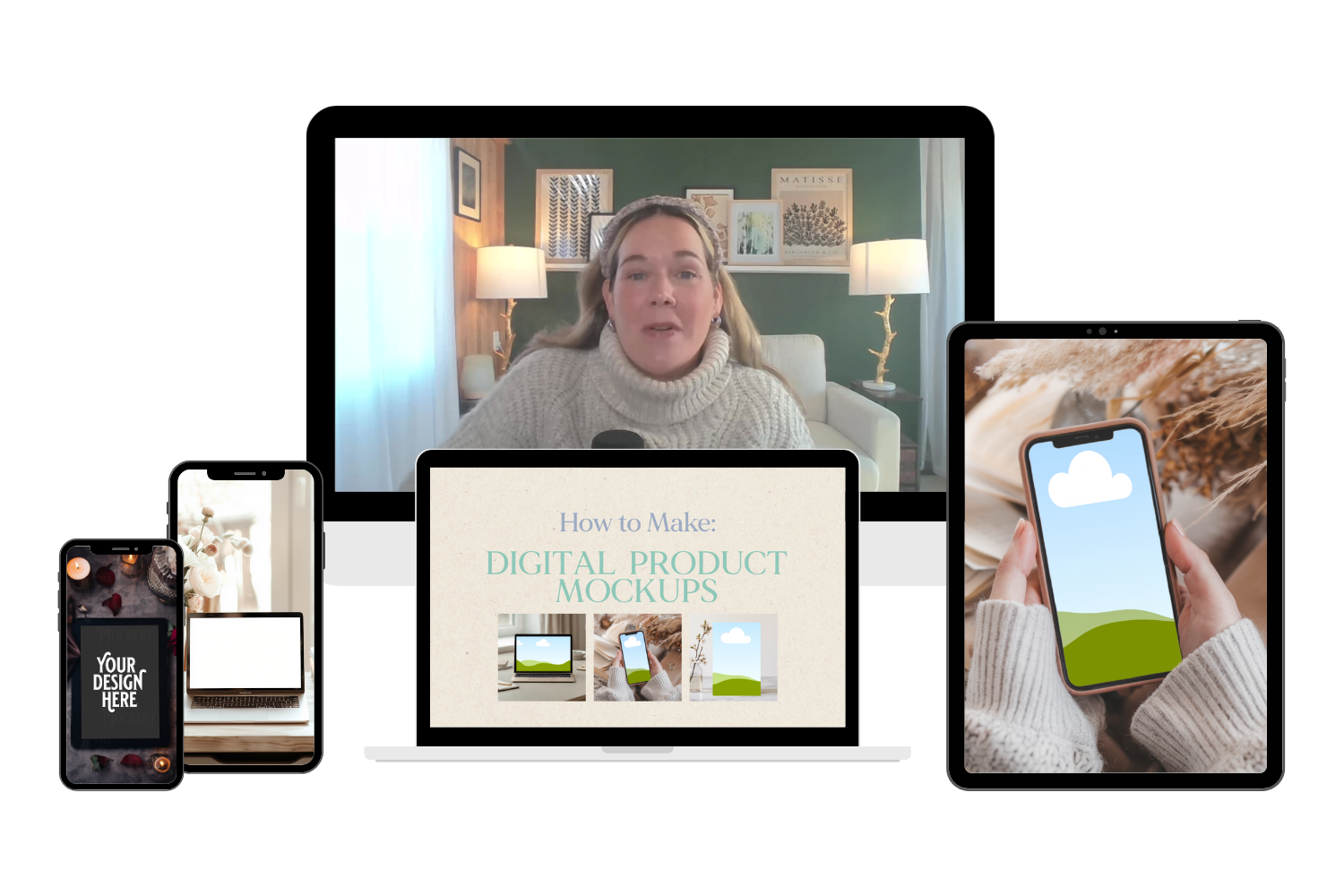
11. Digital Product Mock Ups
Learn how to create digital product mockups with AI art generators for selling in your own shop, in Digital Product Marketplaces, and more.
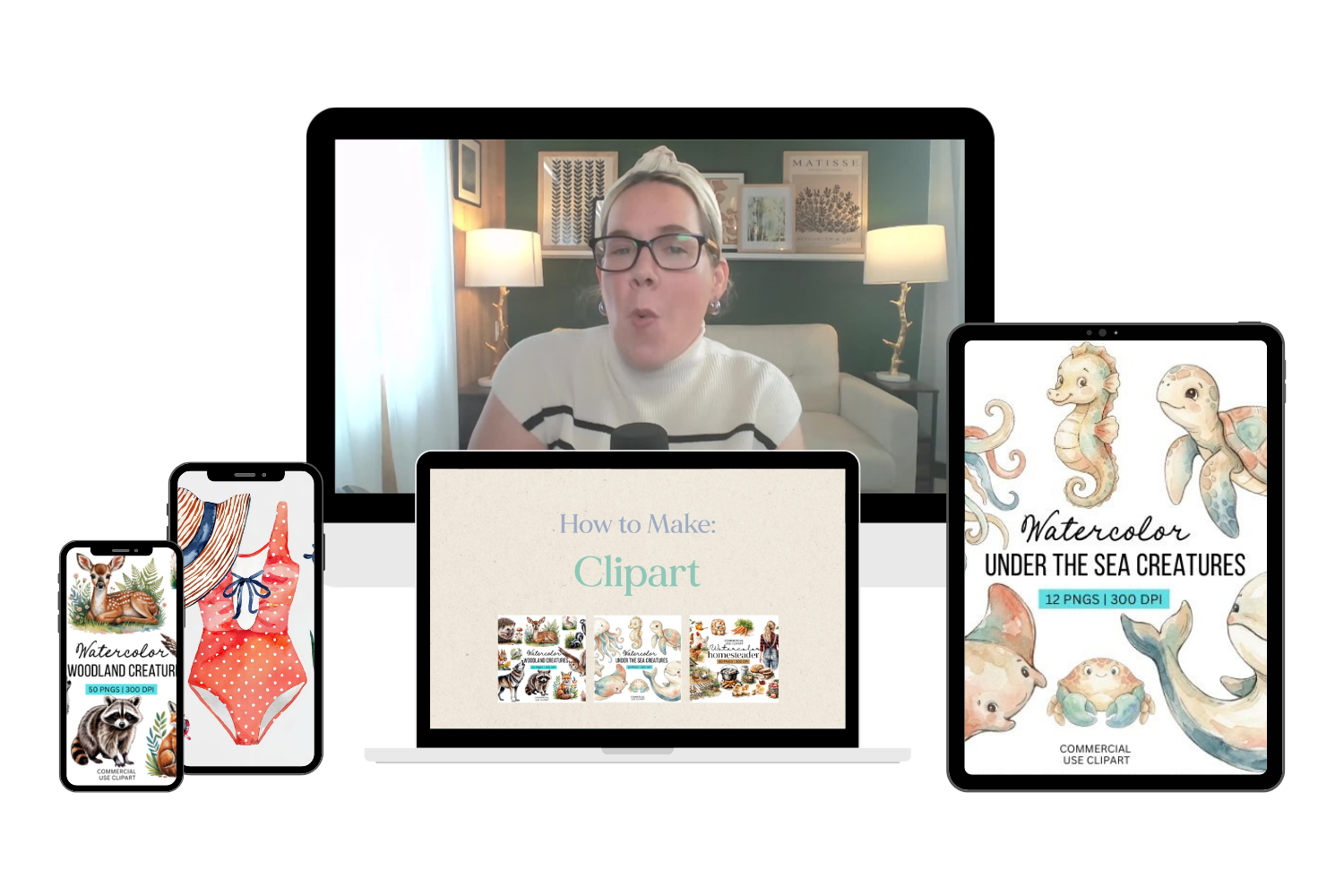
12. Clipart
Learn how to create clipart with AI art generators for selling in your own shop, in Digital Product Marketplaces, and more.
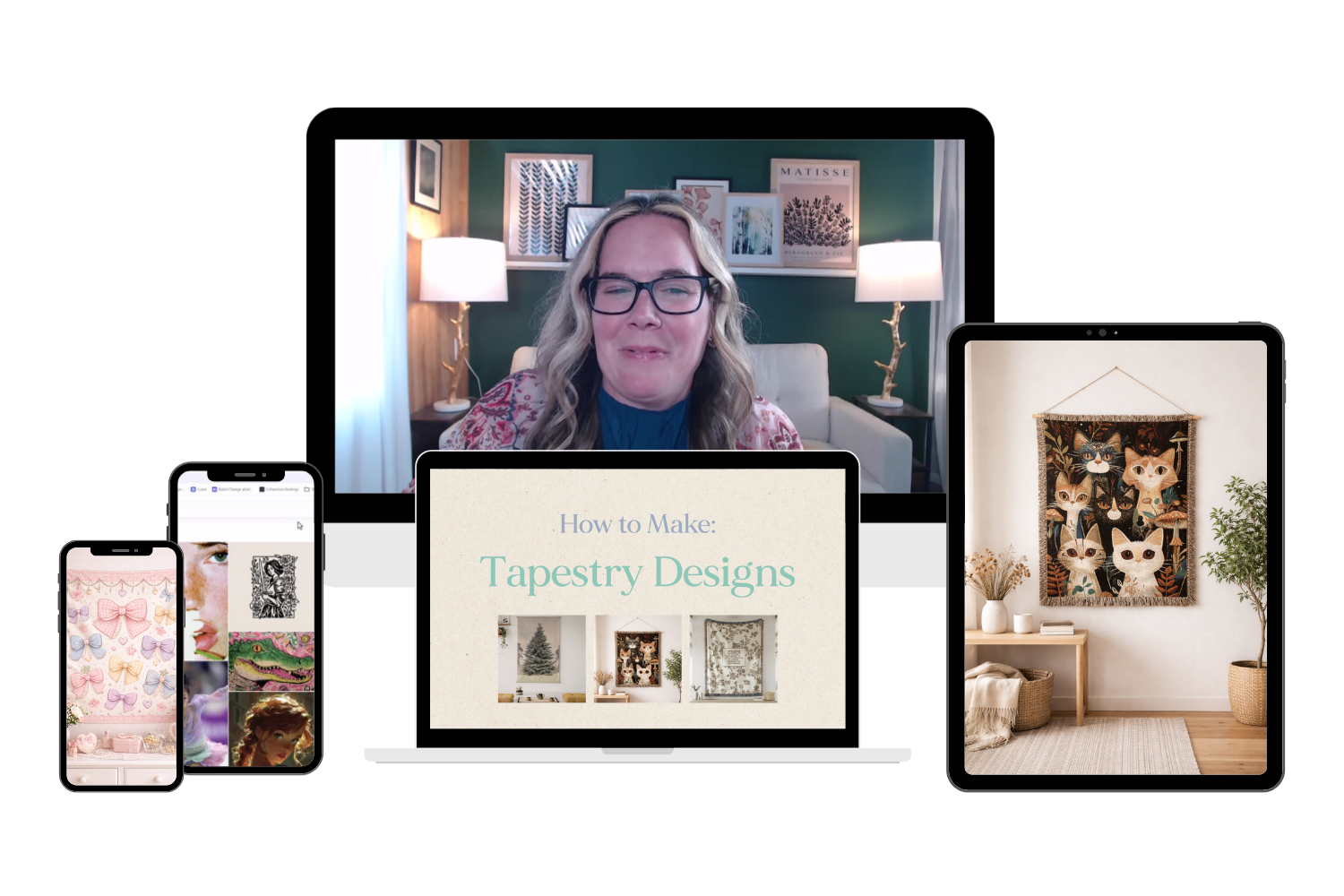
13. Tapestries
Learn how to create tapestry designs with AI art generators for selling on merch, POD Marketplace products, and more.
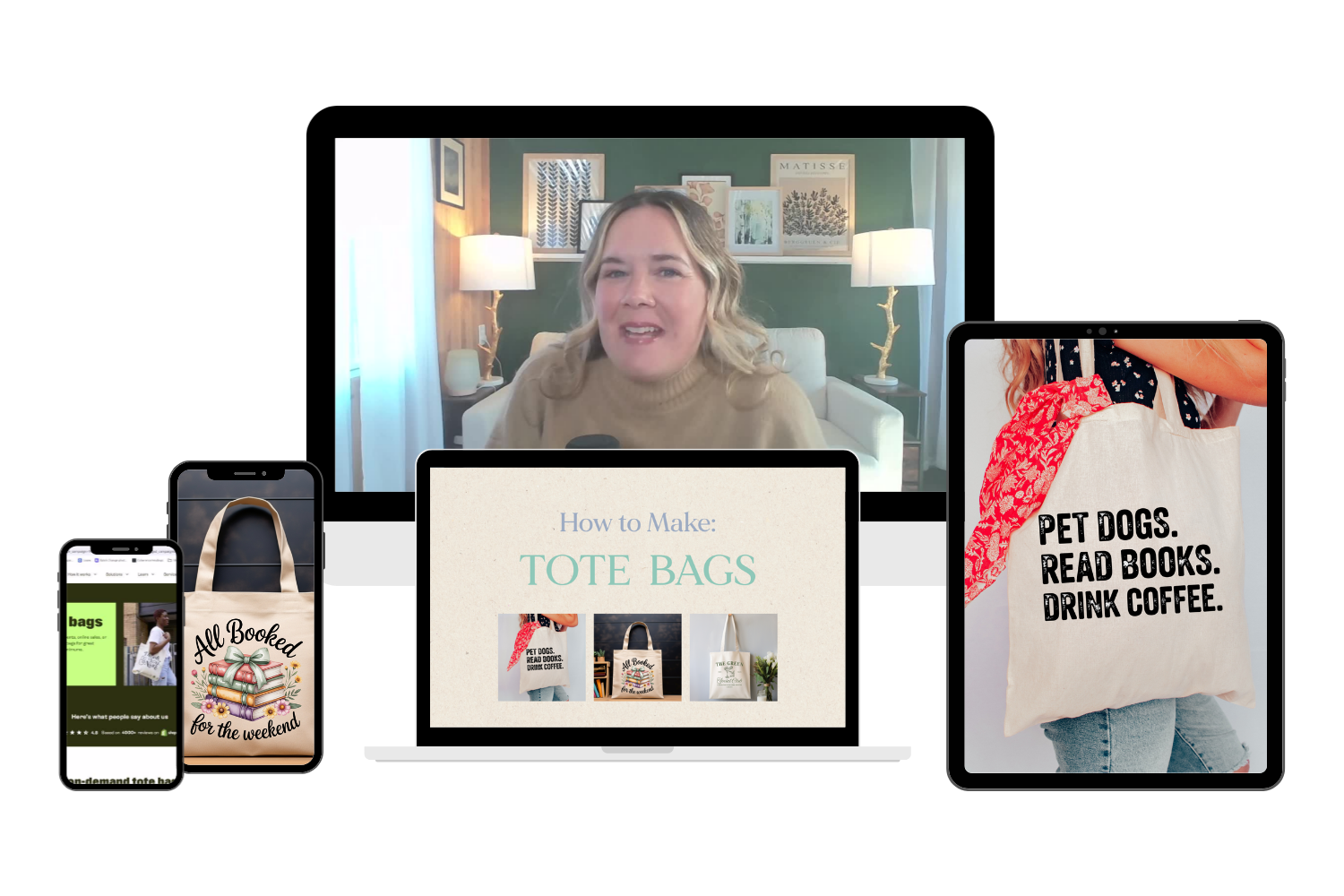
14. Tote Bags
Learn how to create tote bag designs with AI art generators for selling on merch, POD Marketplace products, and more.
15. Stickers
Learn how to create Sticker Designs with AI art generators for selling on physical products, via Print on Demand, POD marketplaces, and more.
16. Pillows
Learn how to create pillow designs with AI art generators for selling on merch, POD Marketplace products, and more.
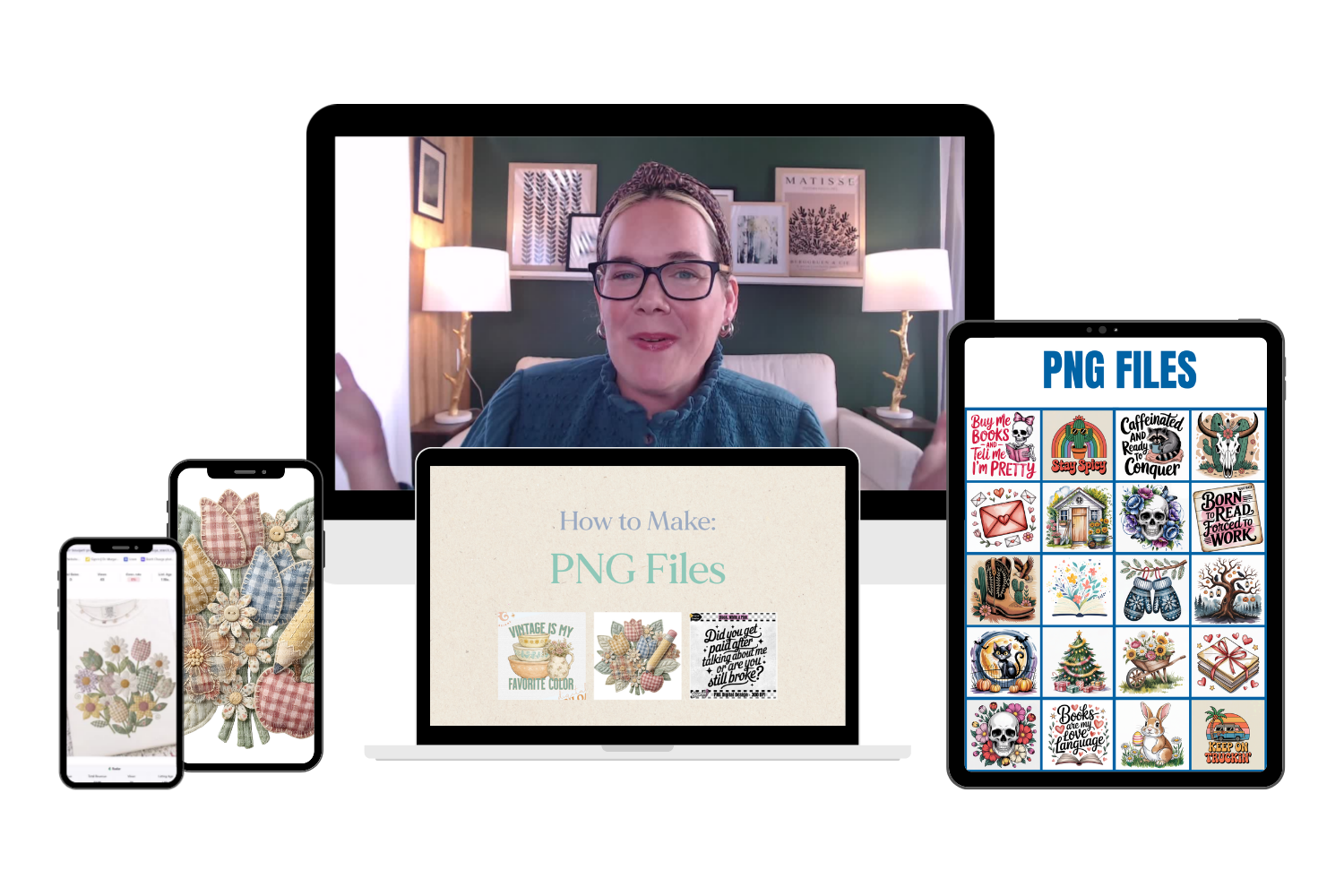
17. PNGs
Learn how to create PNG designs with AI art generators for selling on as digital download files, POD marketplaces, and more.
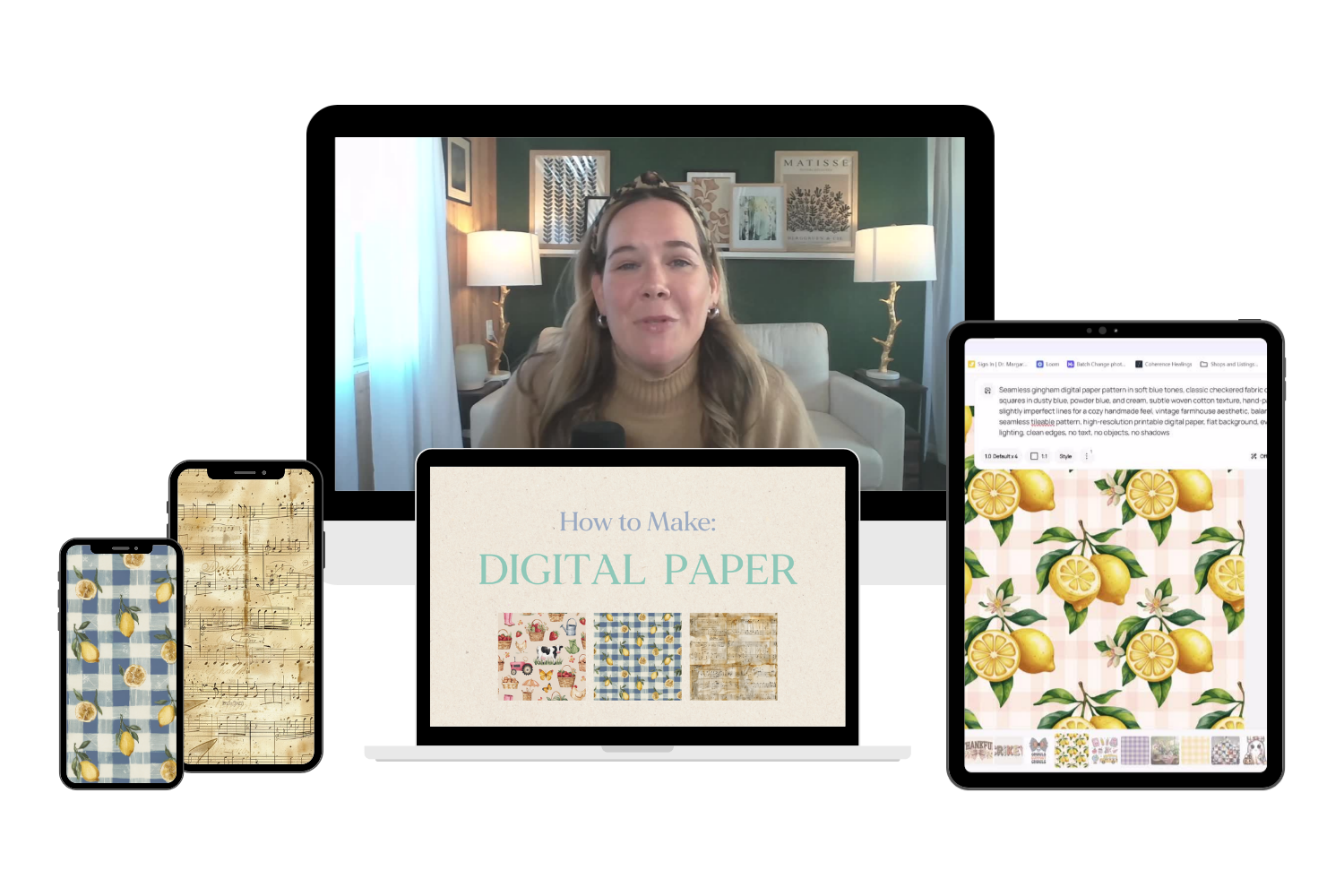
18. Digital Paper
Learn how to create digital paper with AI art generators for sublimation designs, scrapbooking, DIYers, teachers, and more.
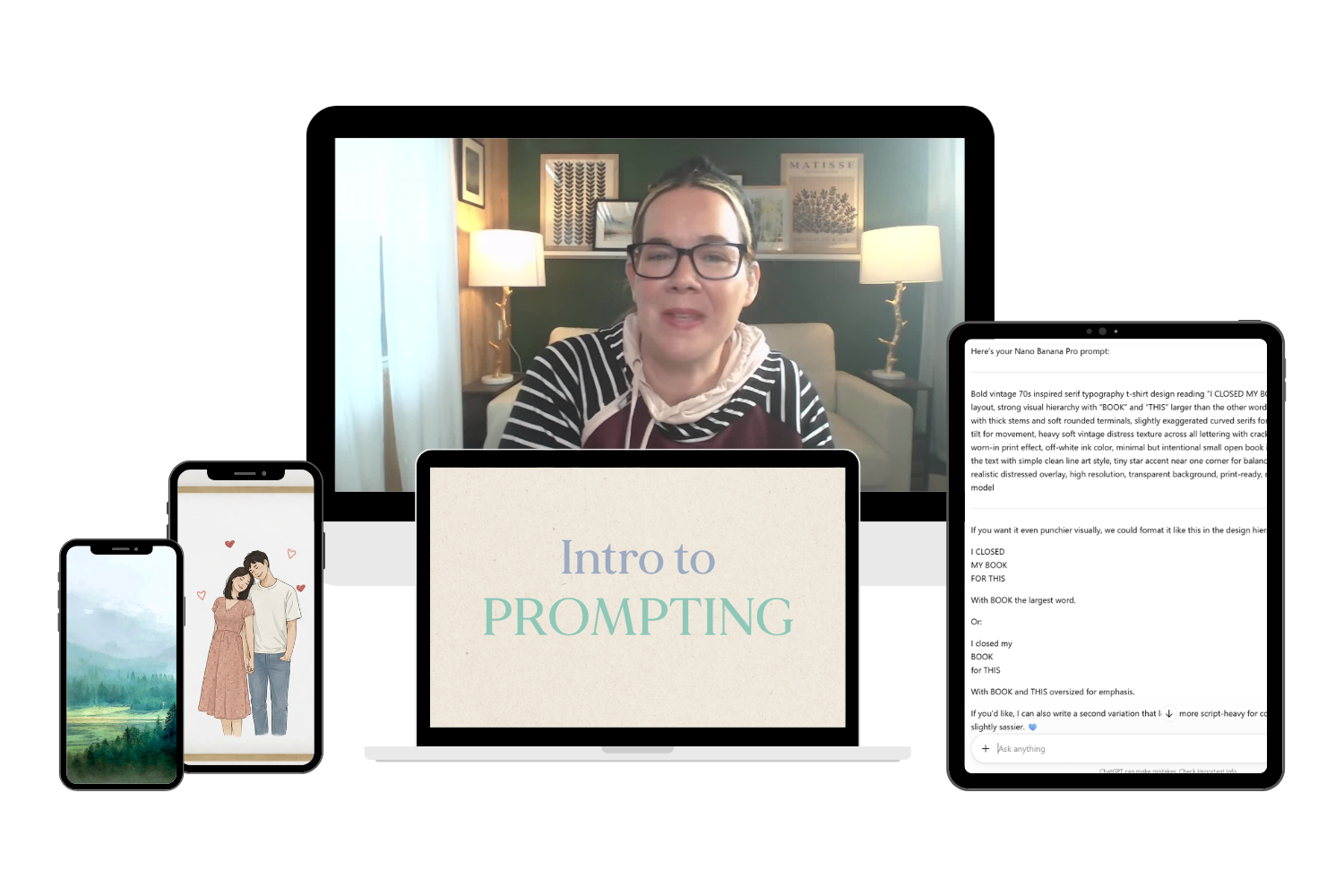
19. Intro to Prompting
Learn my best practices and secret strategies for writing the best prompts that give you incredible designs.
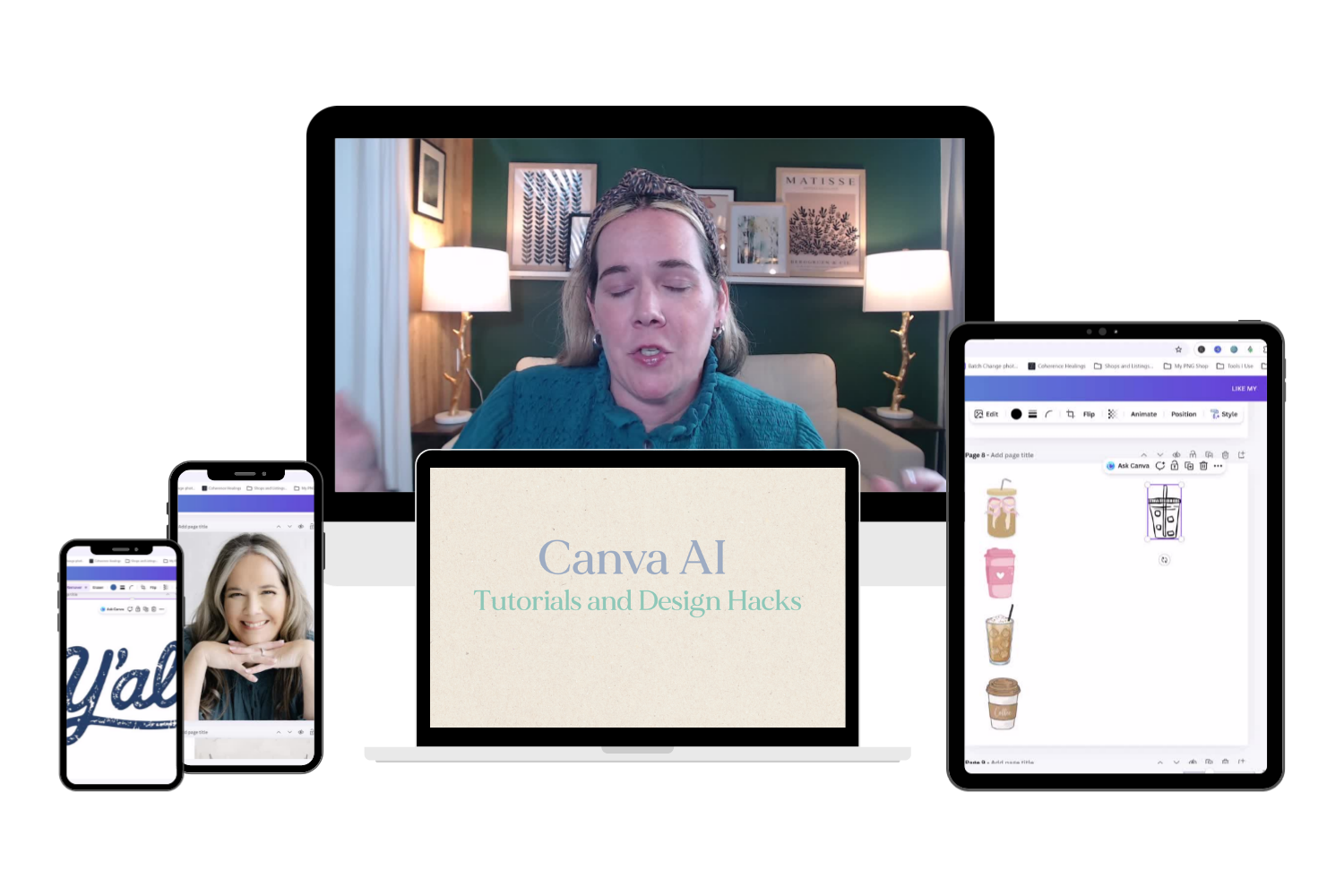
20. Canva AI + Tutorials
Learn the Canva tips and hacks that I use most frequently as a digital product designer. These will save you time and elevate your designs.
How it works:
Each mini-course walks you through:
✔ What to create (and why it sells)
✔ Where you can sell it
✔ How to prompt for that product
✔ How to refine and improve your design
✔ How to size and export your file correctly
✔ How to create a finished, sell-ready product
By the end, you’ll have something you can actually use.
Who this is for:
This is for you if:
- You want to start selling digital or POD products
- You’ve tried AI but feel like your results are random
- You want simple, step-by-step guidance
- You don’t want to spend hundreds on courses
- You want quick wins you can build on
You do not need:
- design experience
- expensive software
- a huge audience
Let's break this down...
If each course were just $10…
this would be a $200 bundle.
At $20 total, you’re getting each course for $1 each.
That’s less than a coffee…
for a skill you can use again and again.
After going through this bundle, you'll be able to:
- confidently create designs using AI
- understand what makes a design sellable
- turn ideas into finished products
- build a foundation for your own shop or product line
You won’t just “know about AI.”
You’ll know how to use it.